Department business in personal group texts
Department-owned channels, direct messages, and groups with moderation.
Role-controlled channels, direct messages, and small groups — with replies, reactions, mentions, files, GIFs, link previews, unread counts, and push to members’ phones.
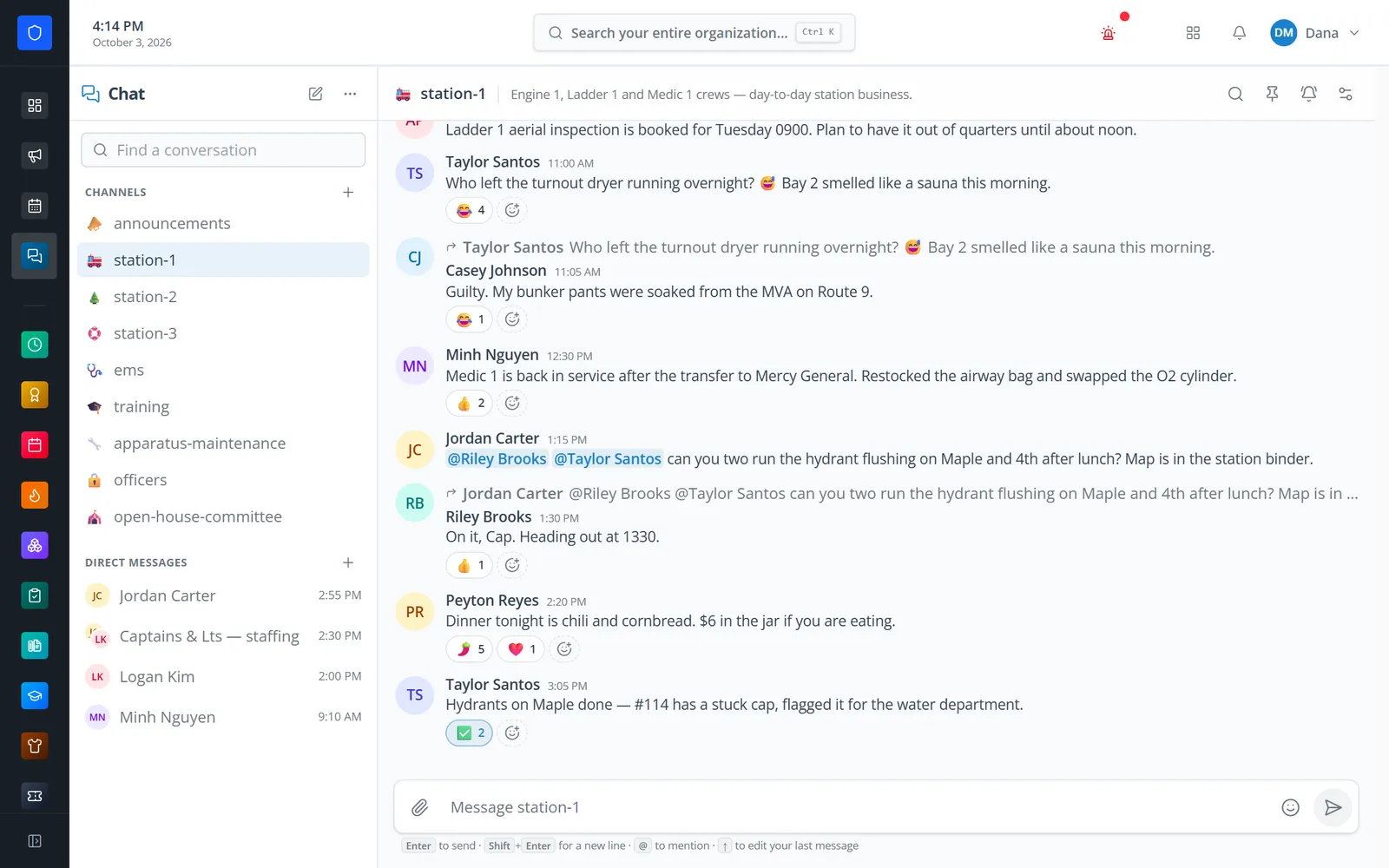
Department chat built for phones. Administrators create channels for a shift, station, committee, or the whole department and choose which roles can read and which can post. Any member can message a colleague directly or start a group of up to 50 people. Members reply, react, mention colleagues, and share photos, files, and GIFs — and new messages reach their phones as push notifications they tune per conversation.
Department-owned channels, direct messages, and groups with moderation.
Channels can be readable by everyone but postable only by certain roles.
Channel and conversation access is checked on the server for every request.
Per-conversation levels, no push while you are viewing, and a push cooldown.
Real screens from Station Clipboard, shown with a sample department.
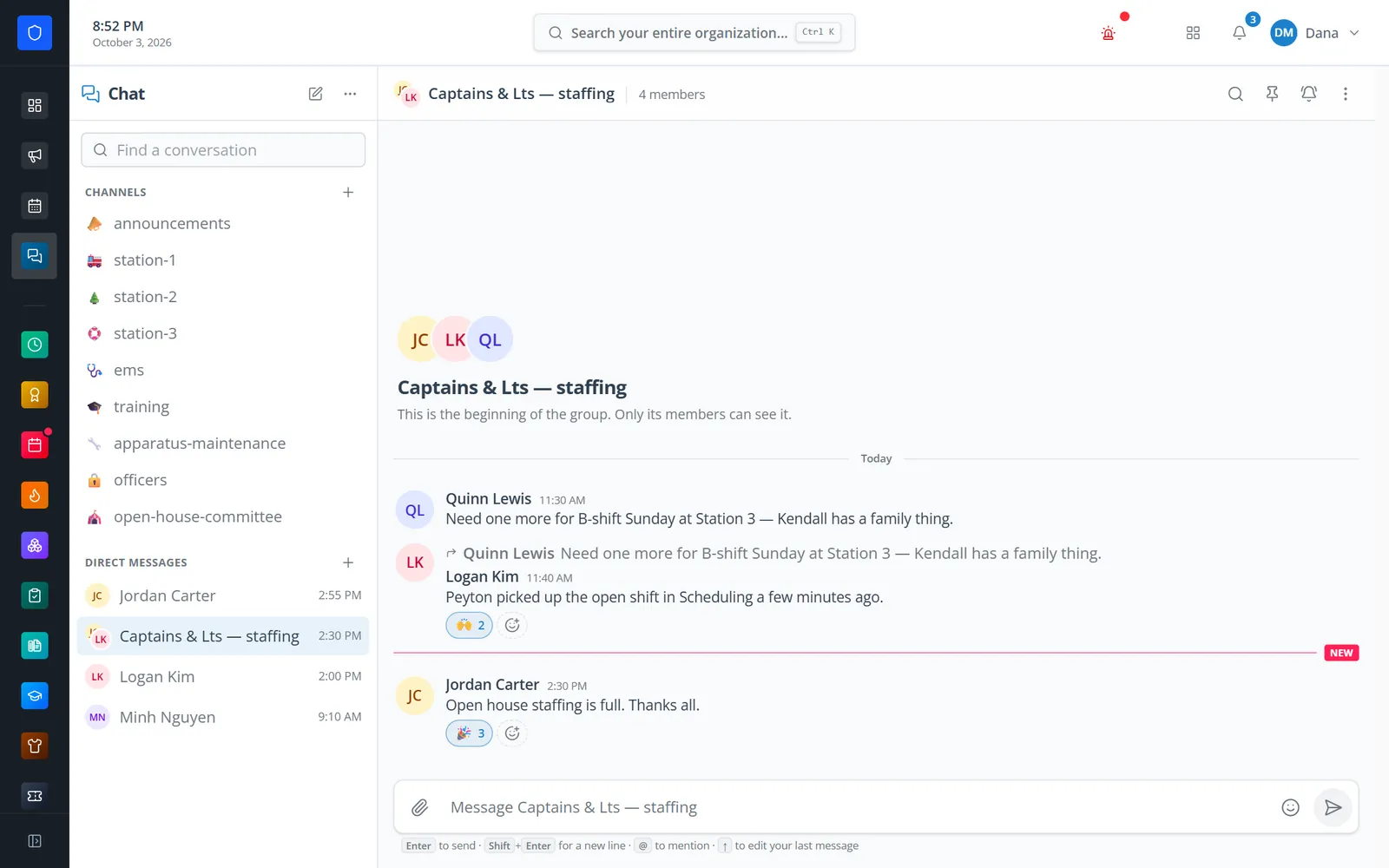
A private group of officers working out Sunday staffing.
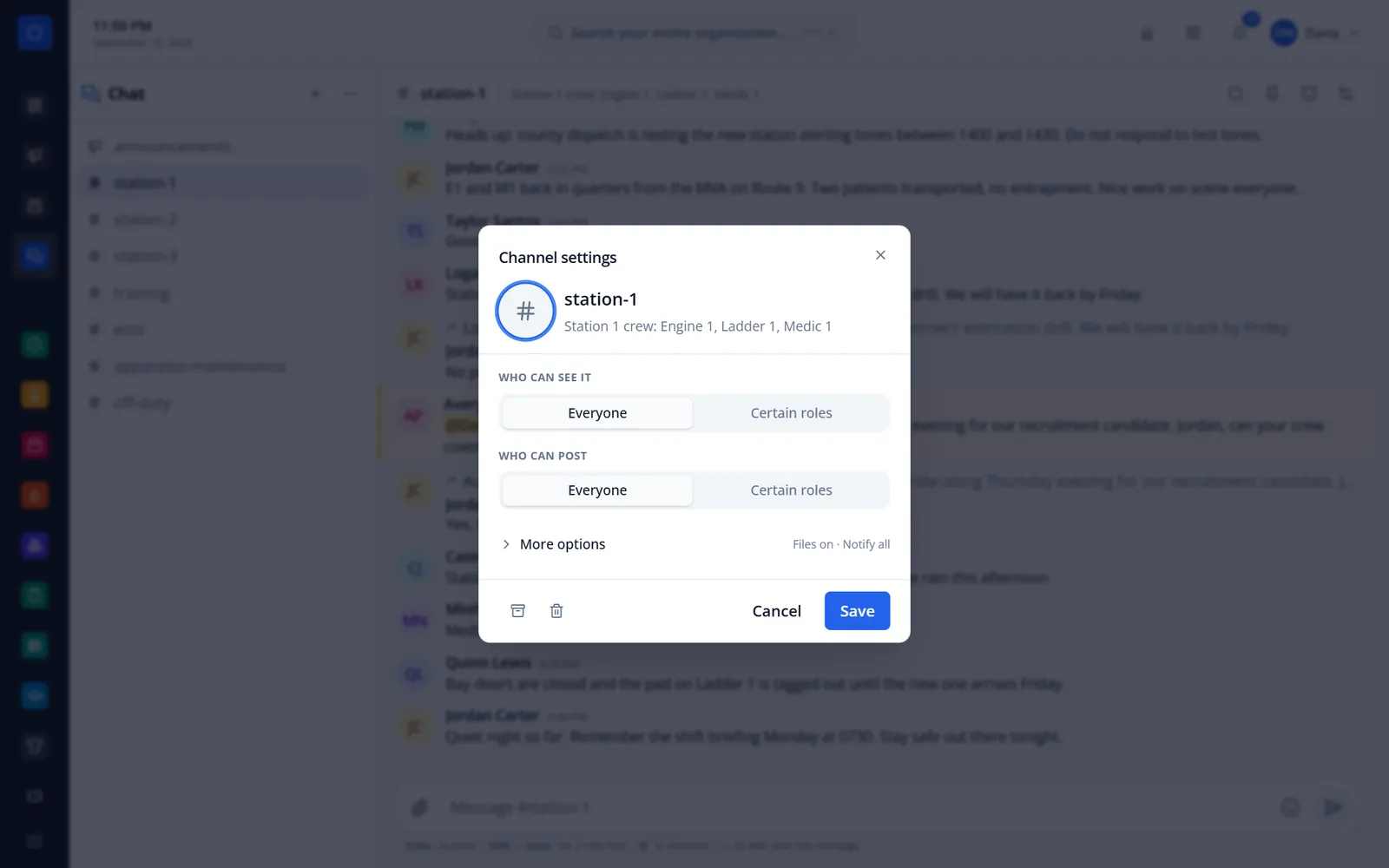
Pick the roles that can read and post, plus file and notification options.
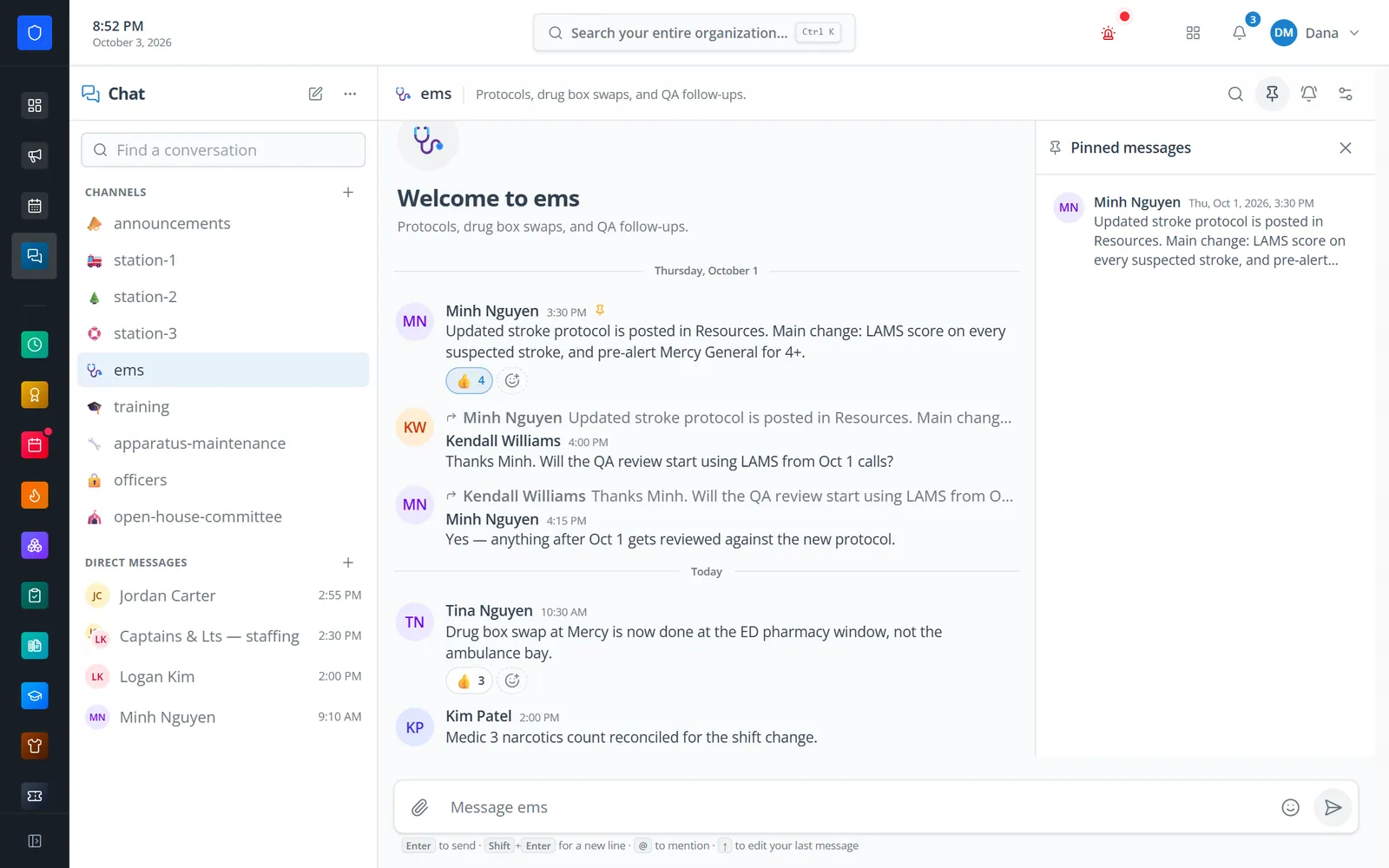
The pinned protocol change stays one click away in the EMS channel.
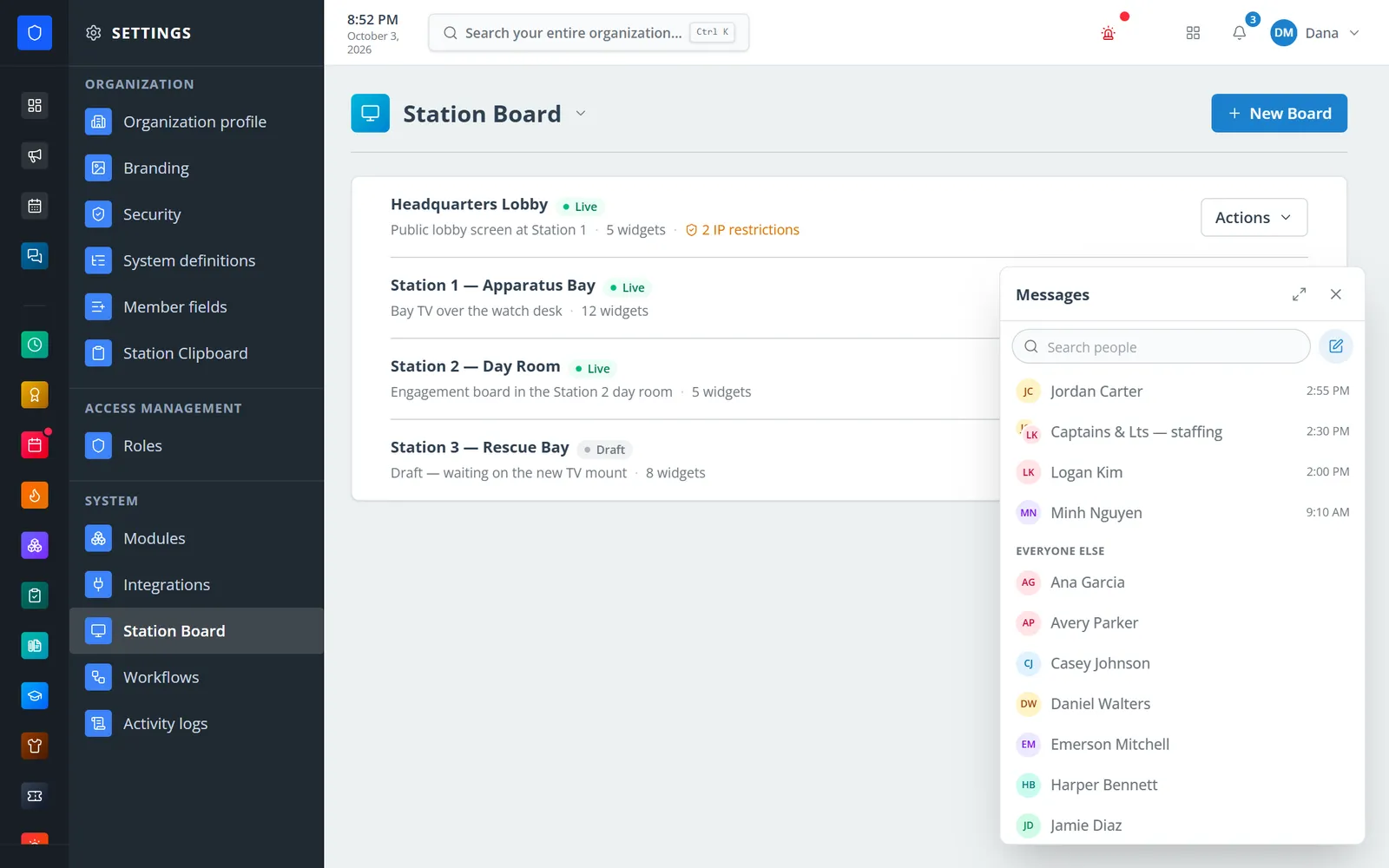
A messenger panel opens over whatever page you are on.
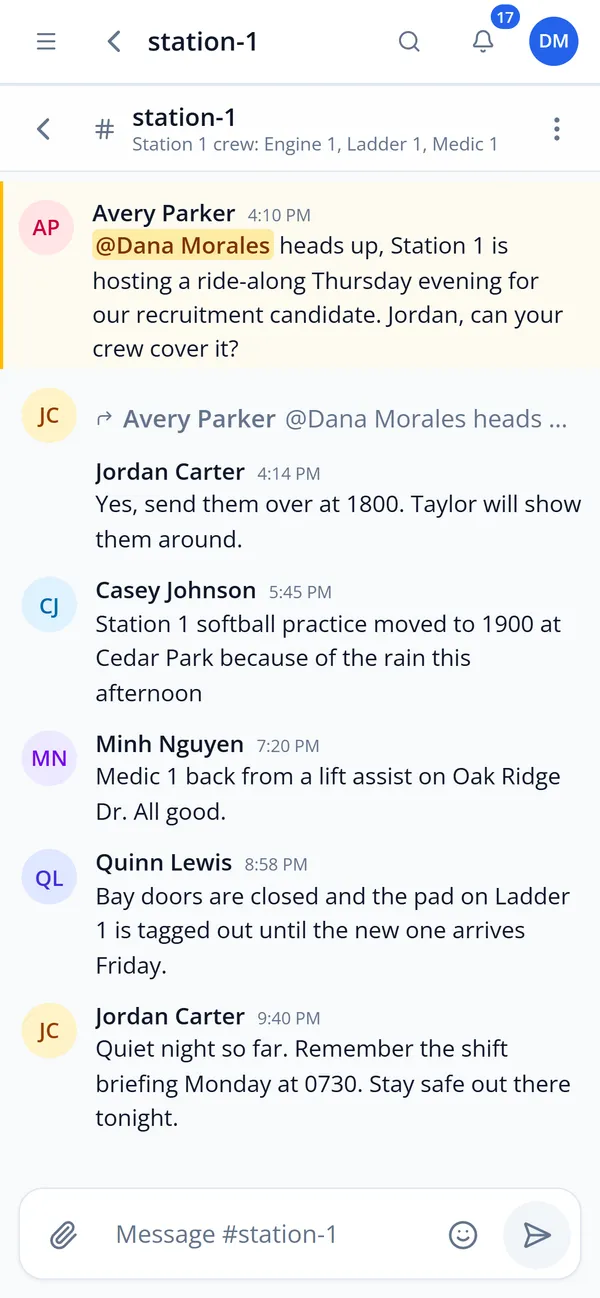
The same channel on a phone.
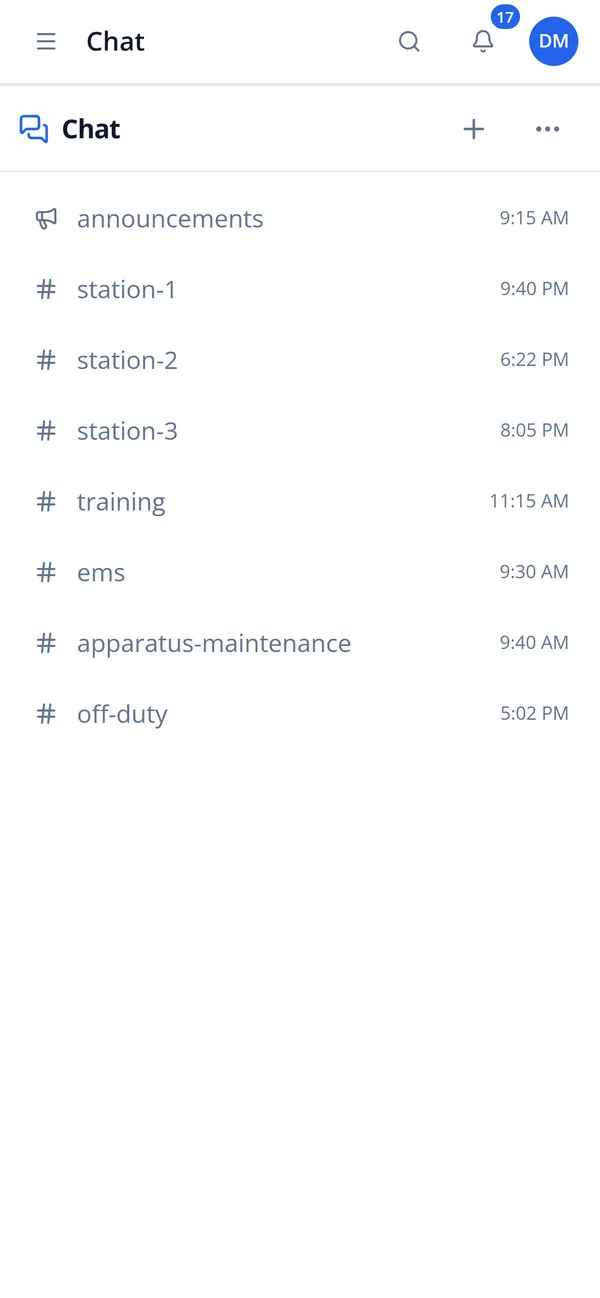
Channels, direct messages, and groups with their latest activity.
Name, emoji, topic, read and post roles, uploads, and default notification level.
Post, reply, react, mention, and share files, photos, GIFs, and links — or message someone directly.
Mentions, replies, and direct messages reach the bell and the phone.
Pin important messages, remove messages, and archive old channels.
Separate read and post access, worked out from roles every time.
Message one colleague or a named group of up to 50; any member can rename or add people.
Quote replies, up to 20 emoji reactions per message, and editing your own messages.
Mention a colleague; @everyone is limited to moderators in channels.
Up to 10 files per message, 25 MB each, served only to people in the conversation, plus a GIF picker.
Unread and mention counts everywhere, typing indicators, and push you tune per conversation.
Pinned messages, message search, link previews, and a members panel.
Press and hold any message on a phone; on a computer, a messenger panel opens over any page.
Members keep one secure sign-in and one set of role permissions across every module you turn on.
Yes. Any member can start a direct message or a group of up to 50 people. Only the people in it can read it.
No. Channels are created by people with the Manage channels permission, who choose which roles can read and post.
Spaces has been retired. Department conversation now lives in Chat, and service requests live in Tickets.
Yes. Workflows include a step that posts a message to a channel.
Tell us how you handle this work today. We’ll walk you through it in the full Station Clipboard portal.
Need something we don’t have yet? We build custom modules.