Paper ballots are slow to count
Counting is automatic, including instant runoff.
Officer elections with sealed secret ballots, plurality, approval, or ranked-choice counting, voter receipts, and a tamper-evident audit trail.
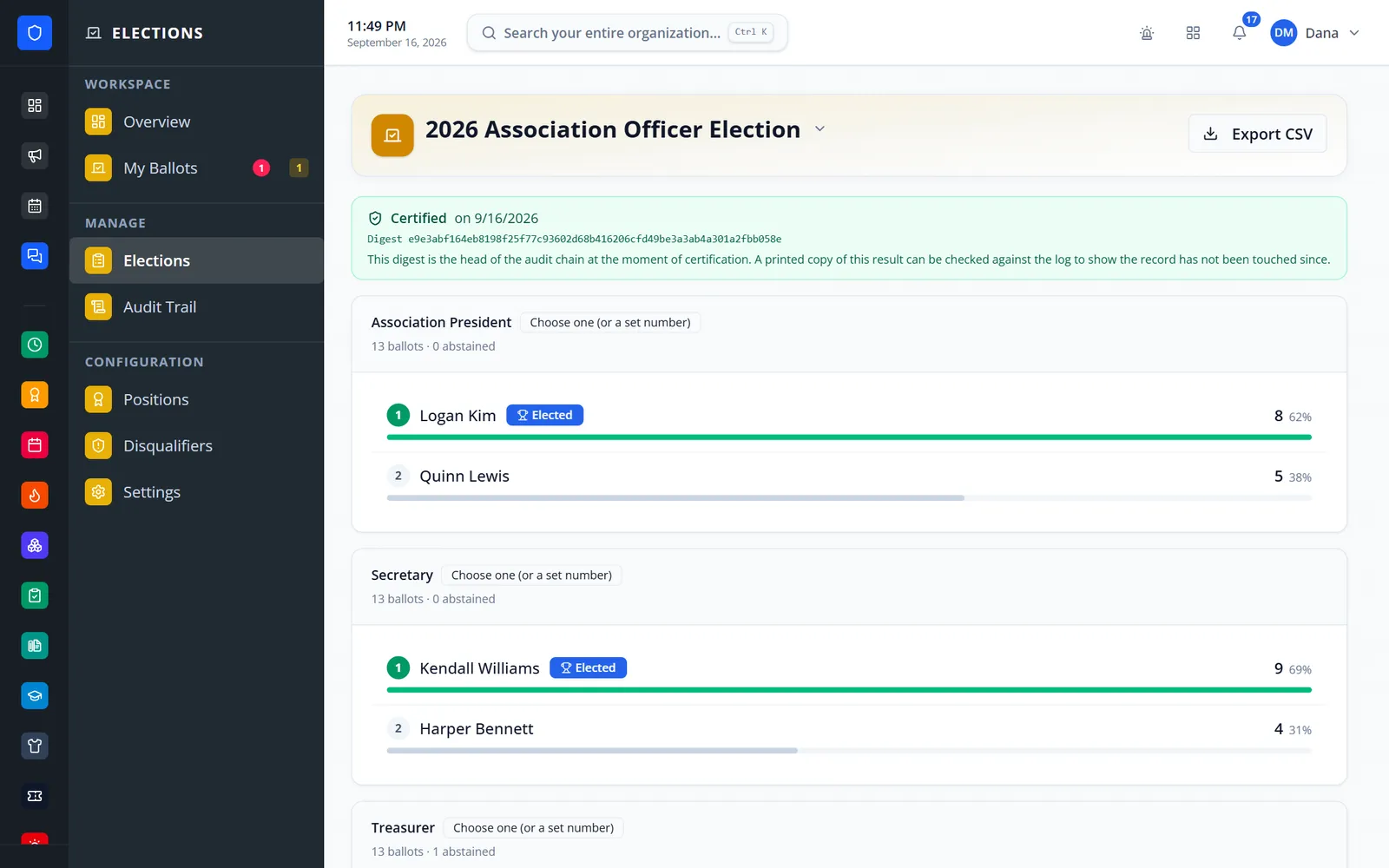
Define the positions your department elects, decide who may vote and who may stand, and run nominations, voting, the count, and certification in one place. Ballots are stored with no voter, no timestamp, and no identifier, and every administrative act is recorded on a tamper-evident audit chain.
Counting is automatic, including instant runoff.
The ballot table has no voter column, so no query can link a ballot to a member.
Running the election, managing voters, and certifying are separate permissions.
Voter receipts, a sealed ballot-box fingerprint, and a verifiable audit chain.
Real screens from Station Clipboard, shown with a sample department.
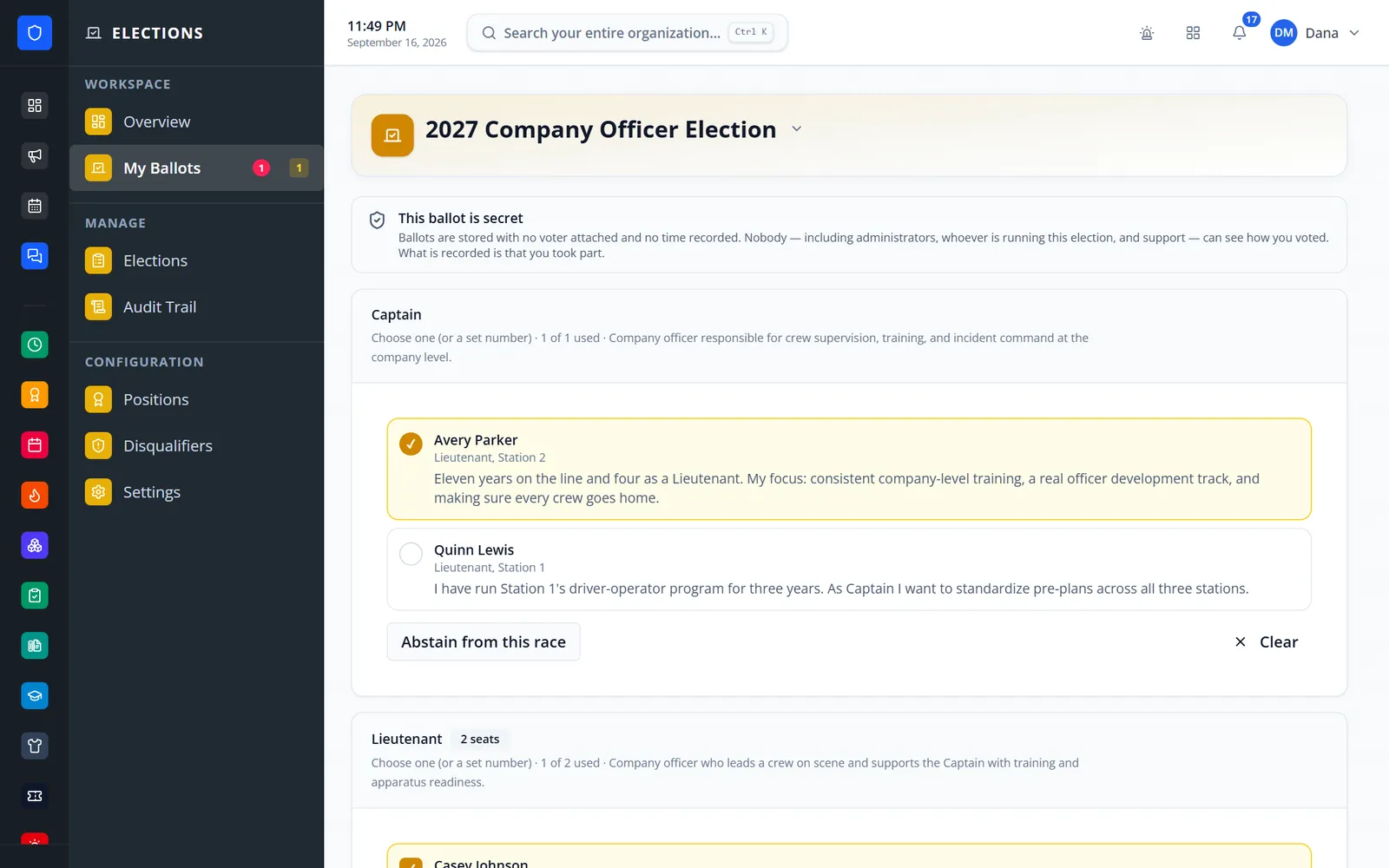
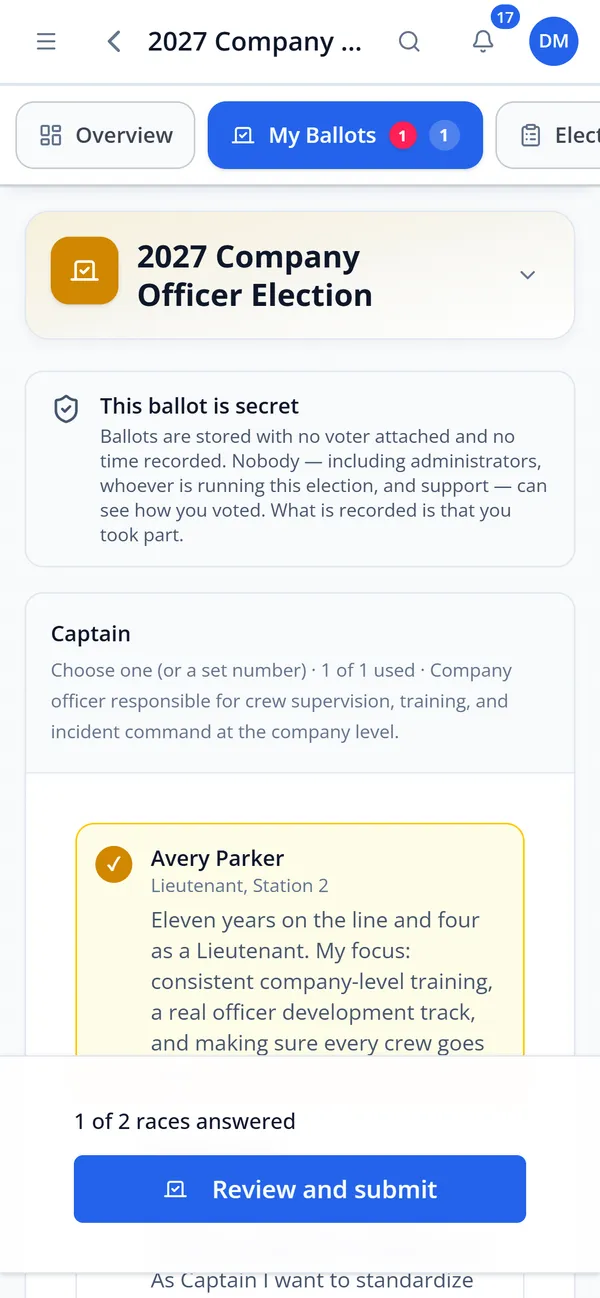
Candidate statements and a clear secrecy notice.
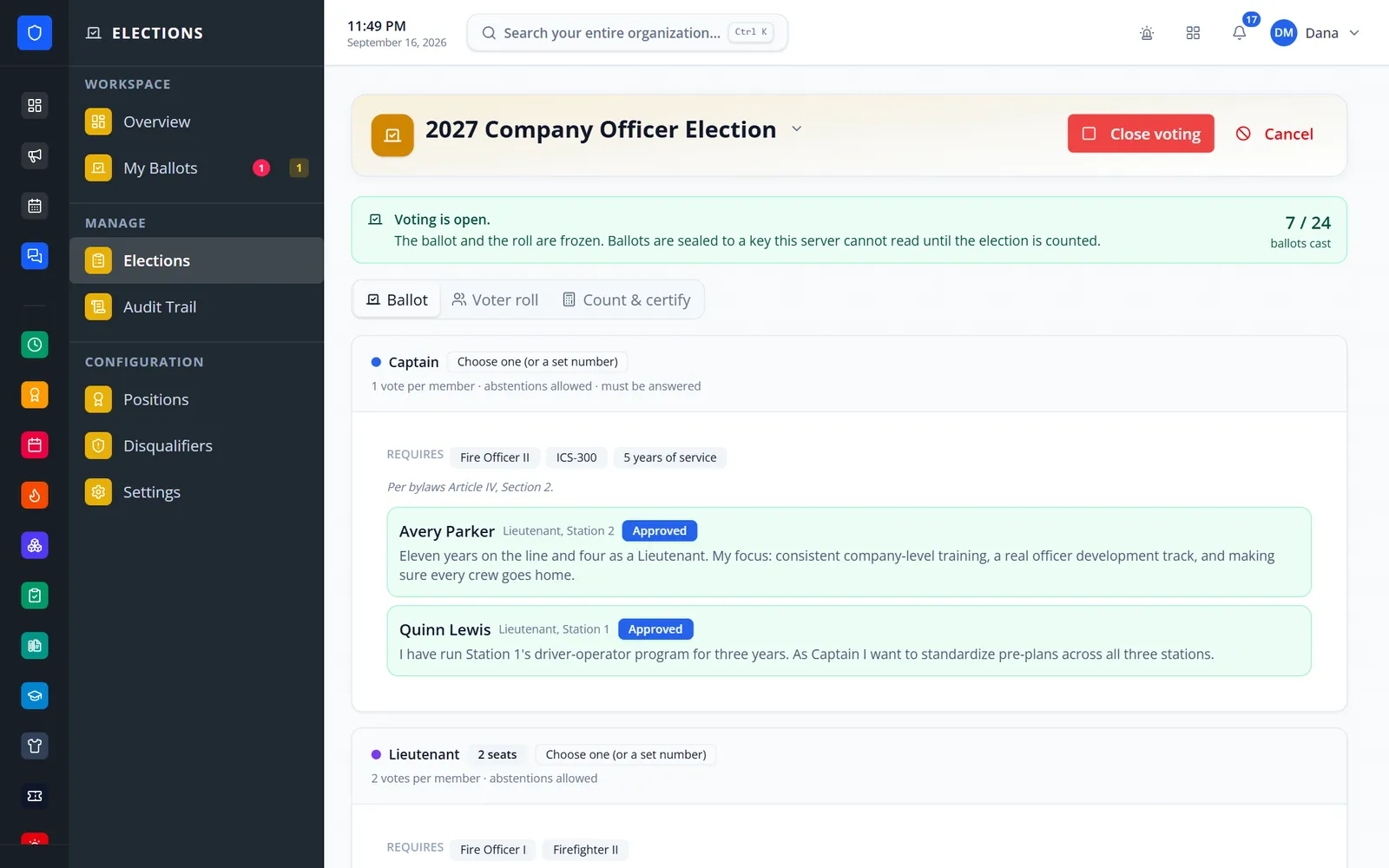
Turnout, requirements, and approved candidates.
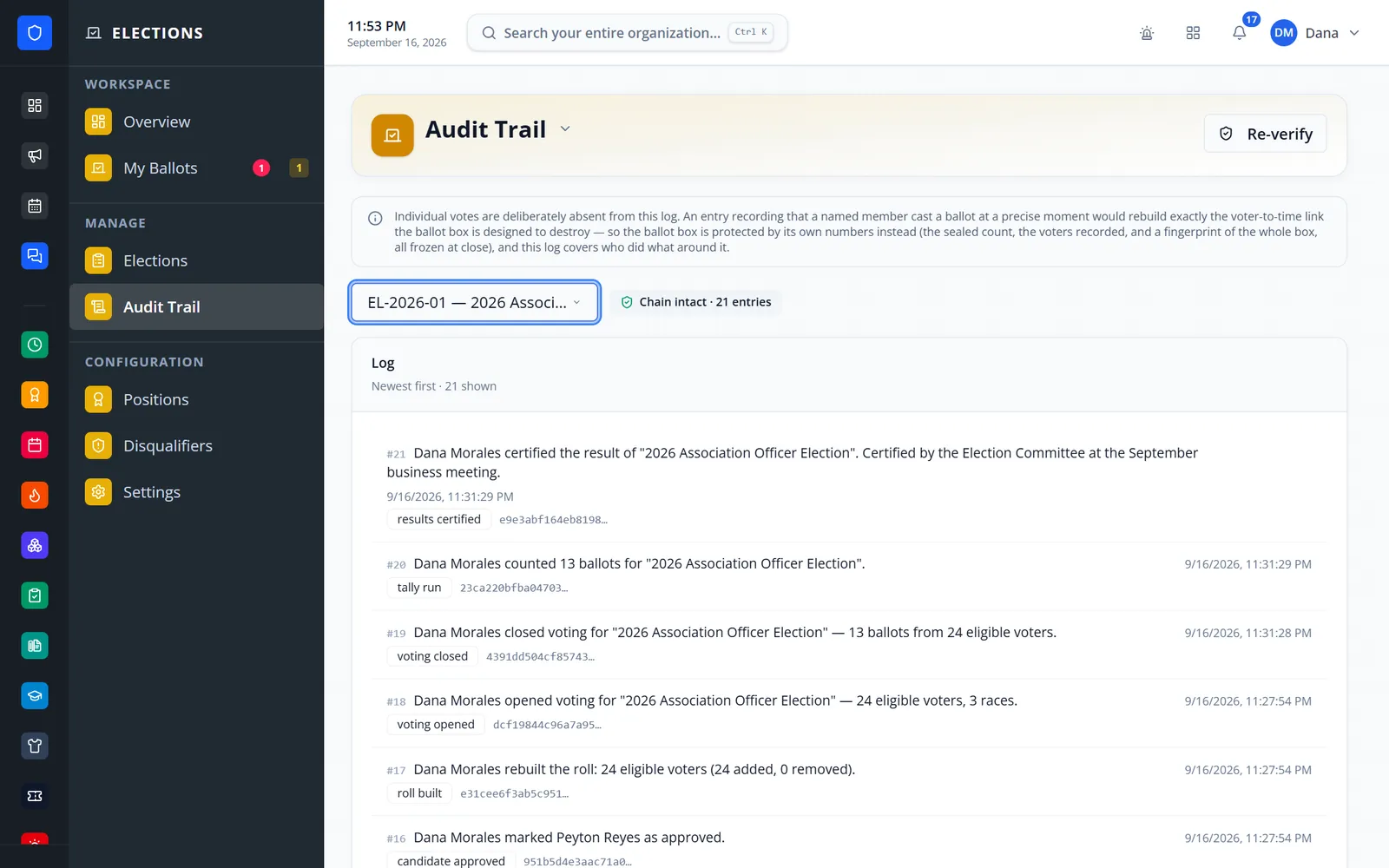
A hash-chained log you can re-verify.
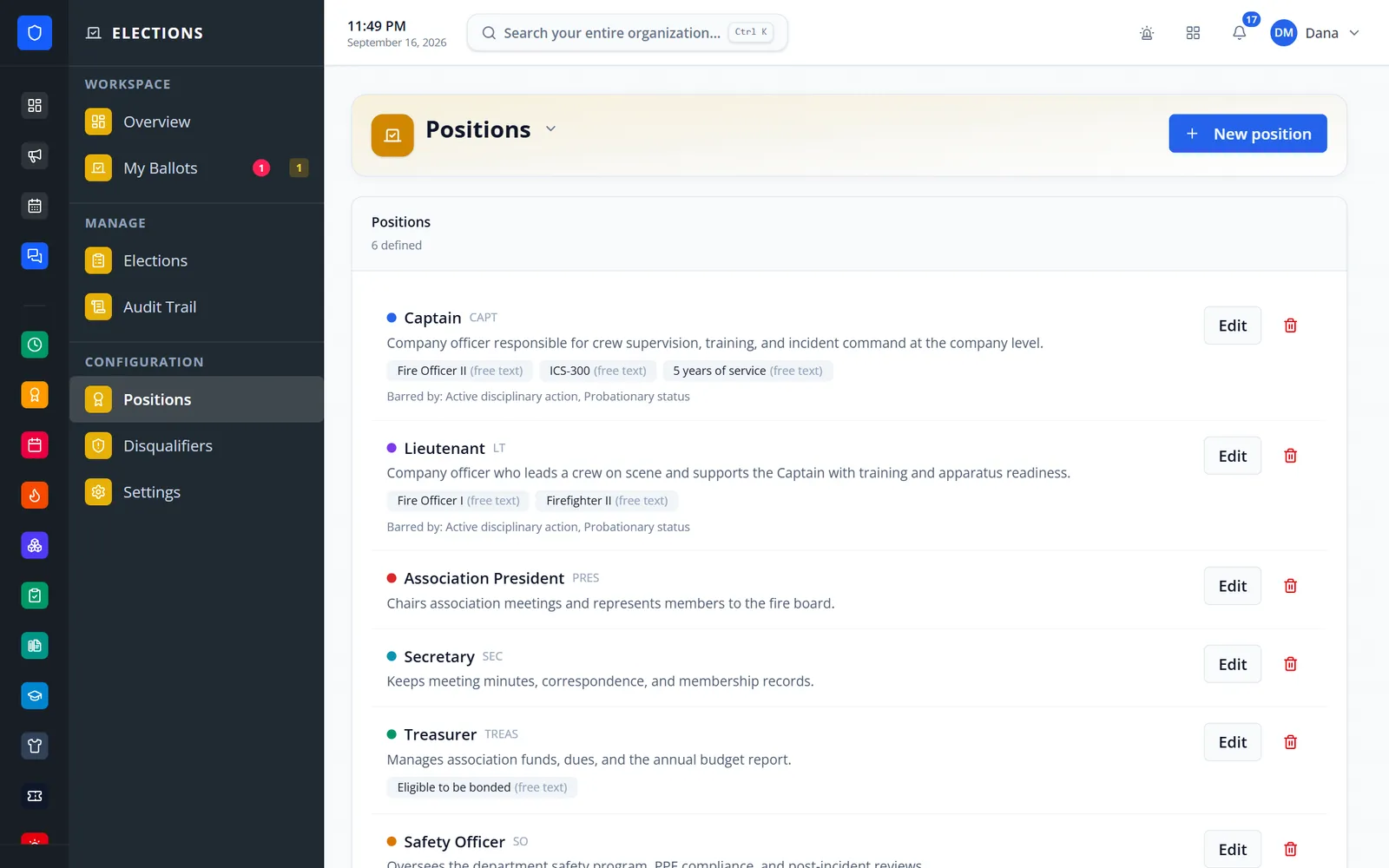
Requirements and disqualifiers for each office.
Review and submit on mobile.
Positions and requirements, disqualifiers, and a voter roll built from roles.
Officers nominate candidates or members nominate themselves.
Members cast one sealed ballot and receive a receipt code.
Close voting, run the count, and certify the results.
Plurality, approval, and single-seat ranked choice with instant runoff.
Each ballot is encrypted, and a tampered ballot stops the count instead of being skipped.
With a passphrase set, nobody without it can open the ballot box.
No voter or timestamp on ballots, hour-rounded roll times, and a minimum ballot count to publish.
Enforced by the database, with no recasting.
Prove you took part, and optionally confirm your ballot is still in the box.
A hash-chained log you can re-verify, printed on the certified result.
Voting open, closing-soon reminders to non-voters, and certified results.
Members keep one secure sign-in and one set of role permissions across every module you turn on.
No. Ballots carry no voter, timestamp, or identifier. For the strongest protection, set a tally passphrase when voting opens.
No. Turnout can be shown live; results are counted after voting closes.
Tell us how you handle this work today. We’ll walk you through it in the full Station Clipboard portal.
Need something we don’t have yet? We build custom modules.