Invite lists go out of date
Role invites are resolved every time, never copied.
In-portal video meetings with role invites, recurring schedules, host controls, a lobby, guest links, and attendance taken for you.
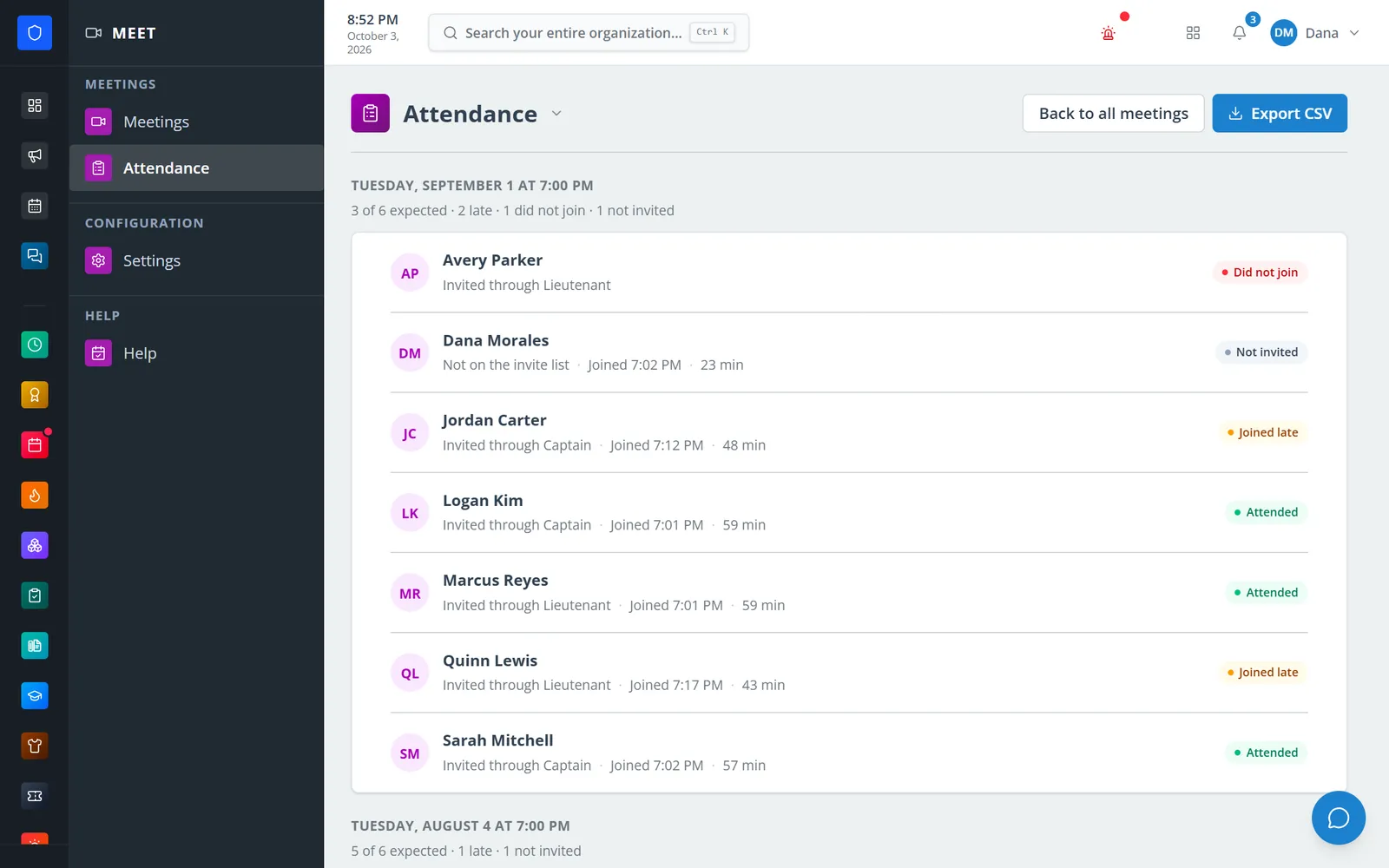
Start a meeting on the spot or schedule a repeating one, and invite members by name or by role — so “every officer” always means whoever holds that role today. Video, audio, and screen sharing run browser-to-browser with no recording. Hosts get a lobby, mute controls, and a room lock, and every occurrence keeps its own attendance: who came on time, who was late, who left early, and who never joined.
Role invites are resolved every time, never copied.
Attended, late, left early, and did not join — recorded per occurrence, with CSV export.
Guest links let them join after a host admits them.
Meetings run inside the portal members already use.
Real screens from Station Clipboard, shown with a sample department.
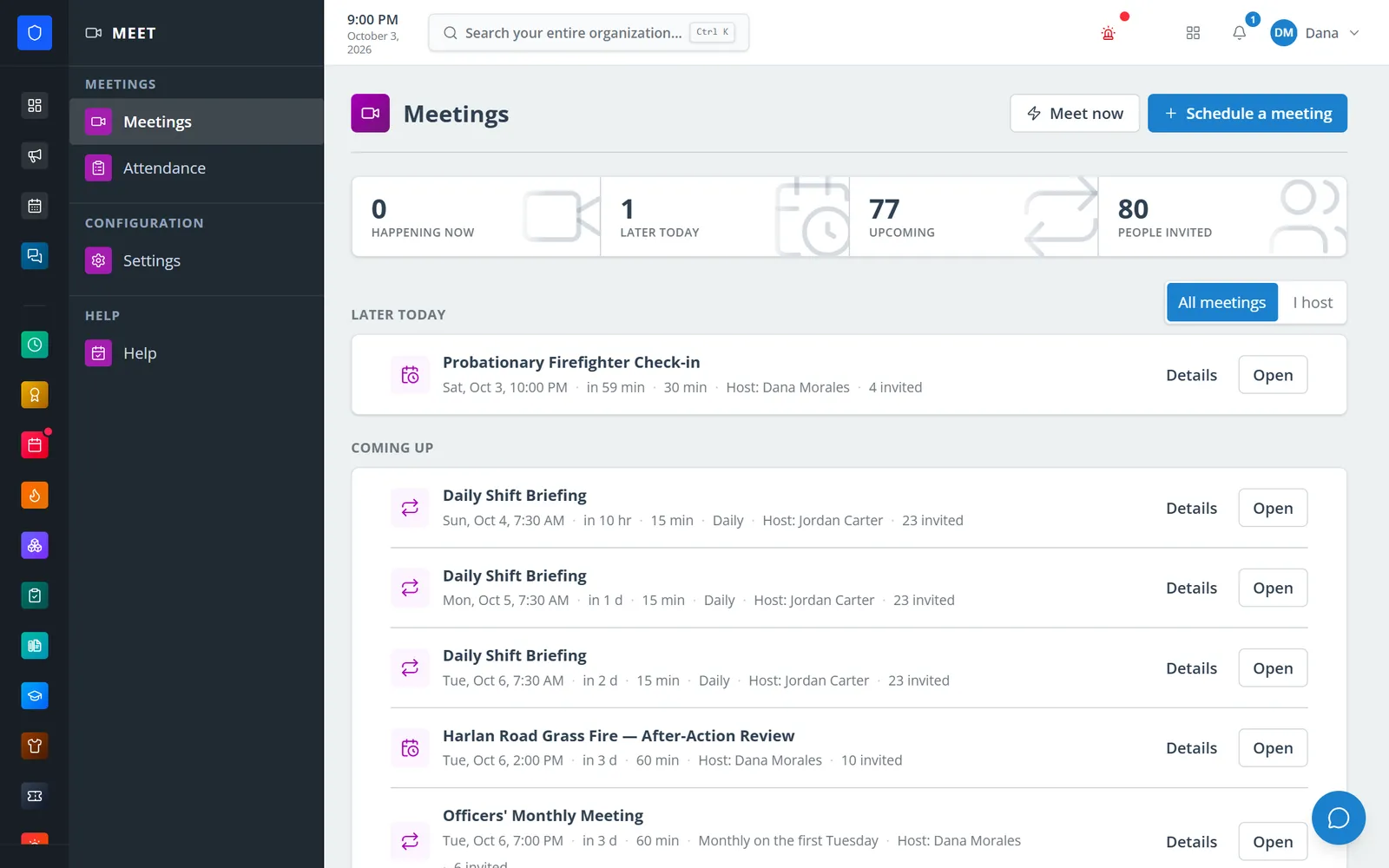
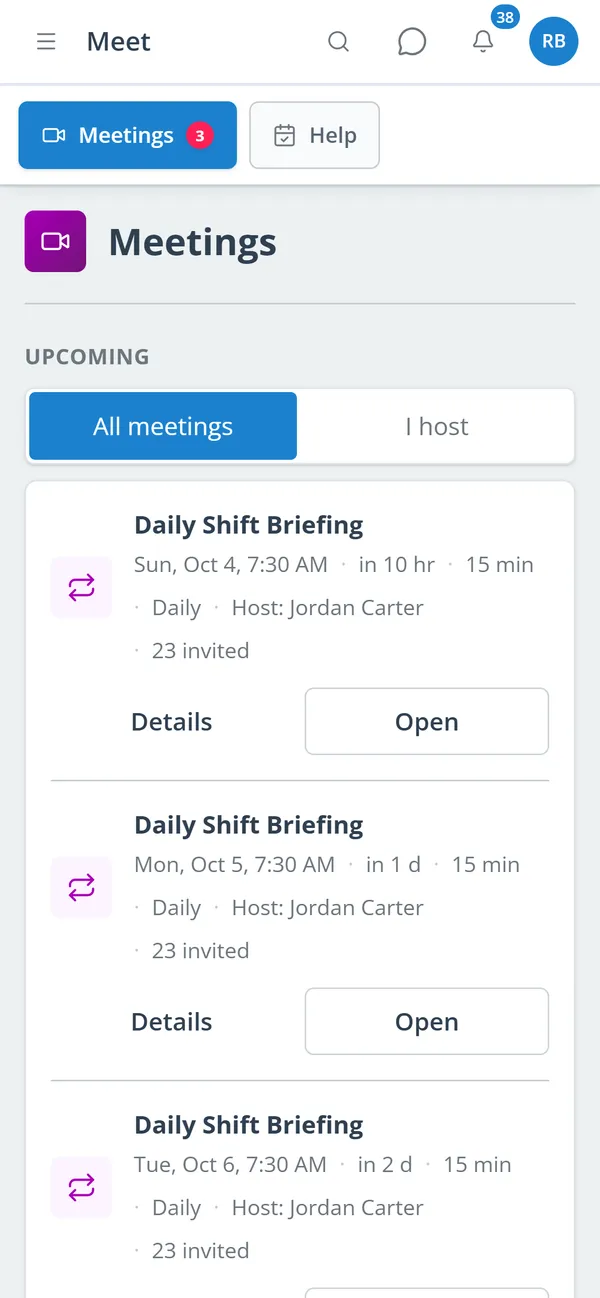
What is later today and coming up, with hosts, repeat rules, and invite counts.
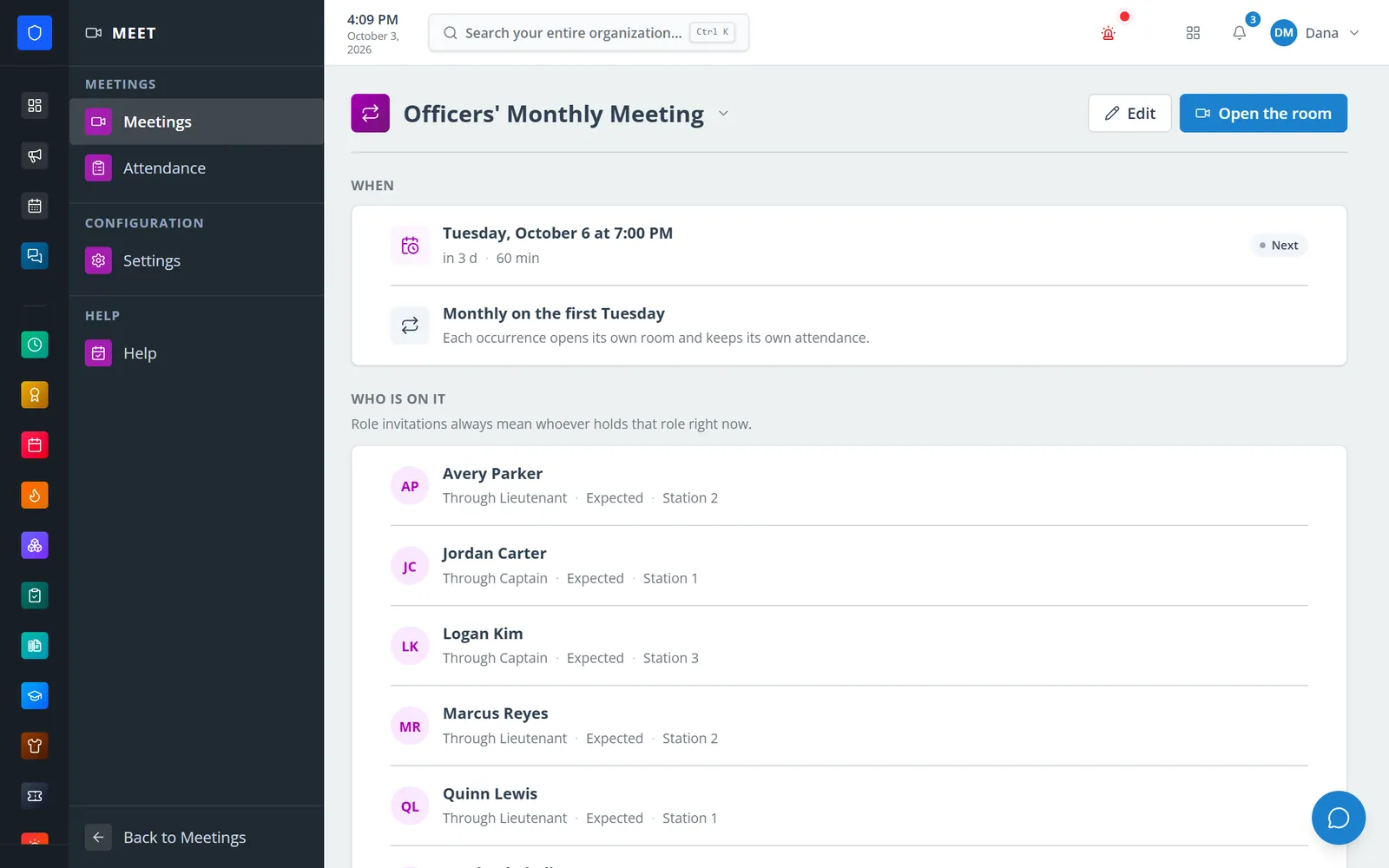
Invitees resolved from roles, with their stations.
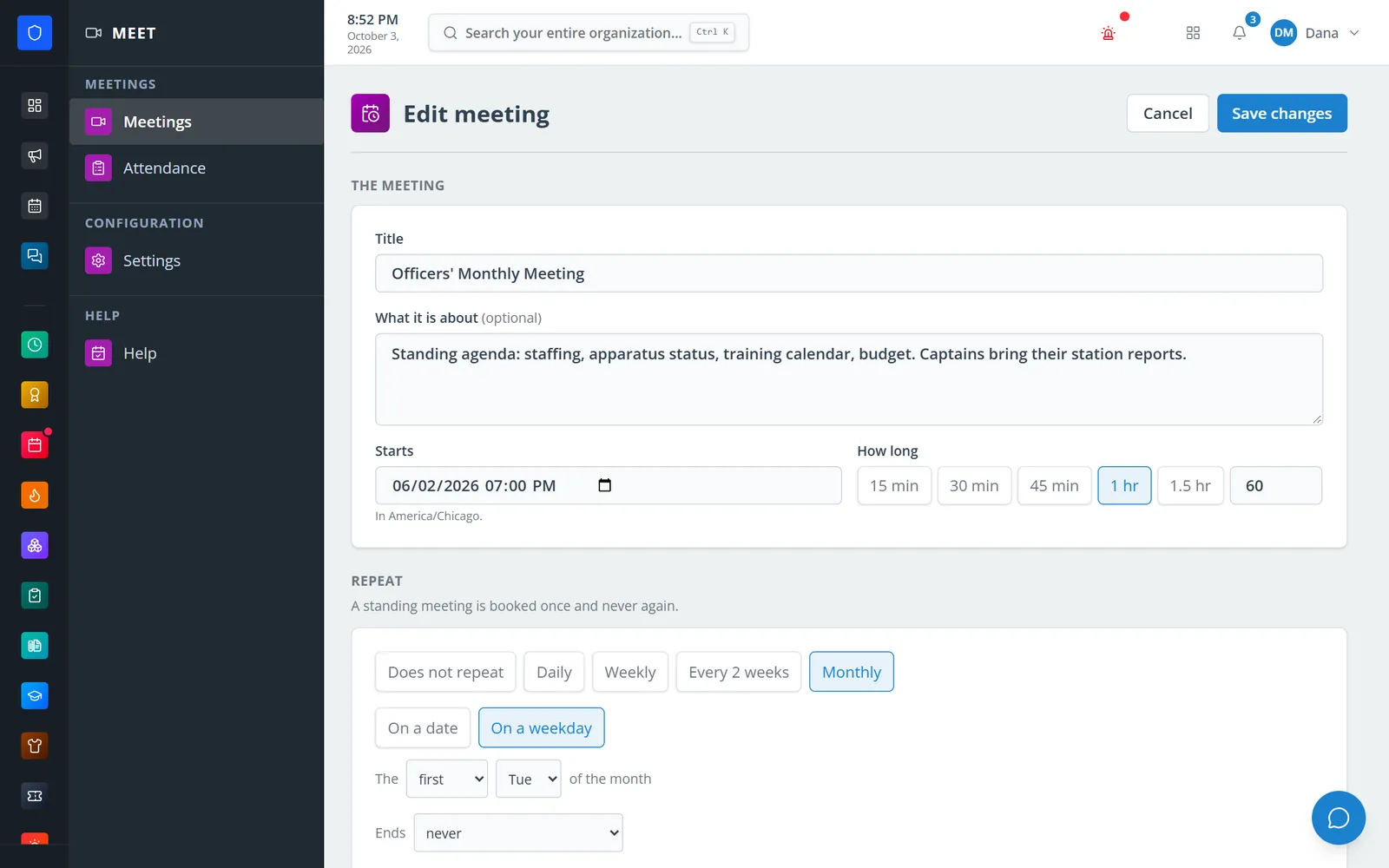
A monthly first-Tuesday meeting with an end rule.
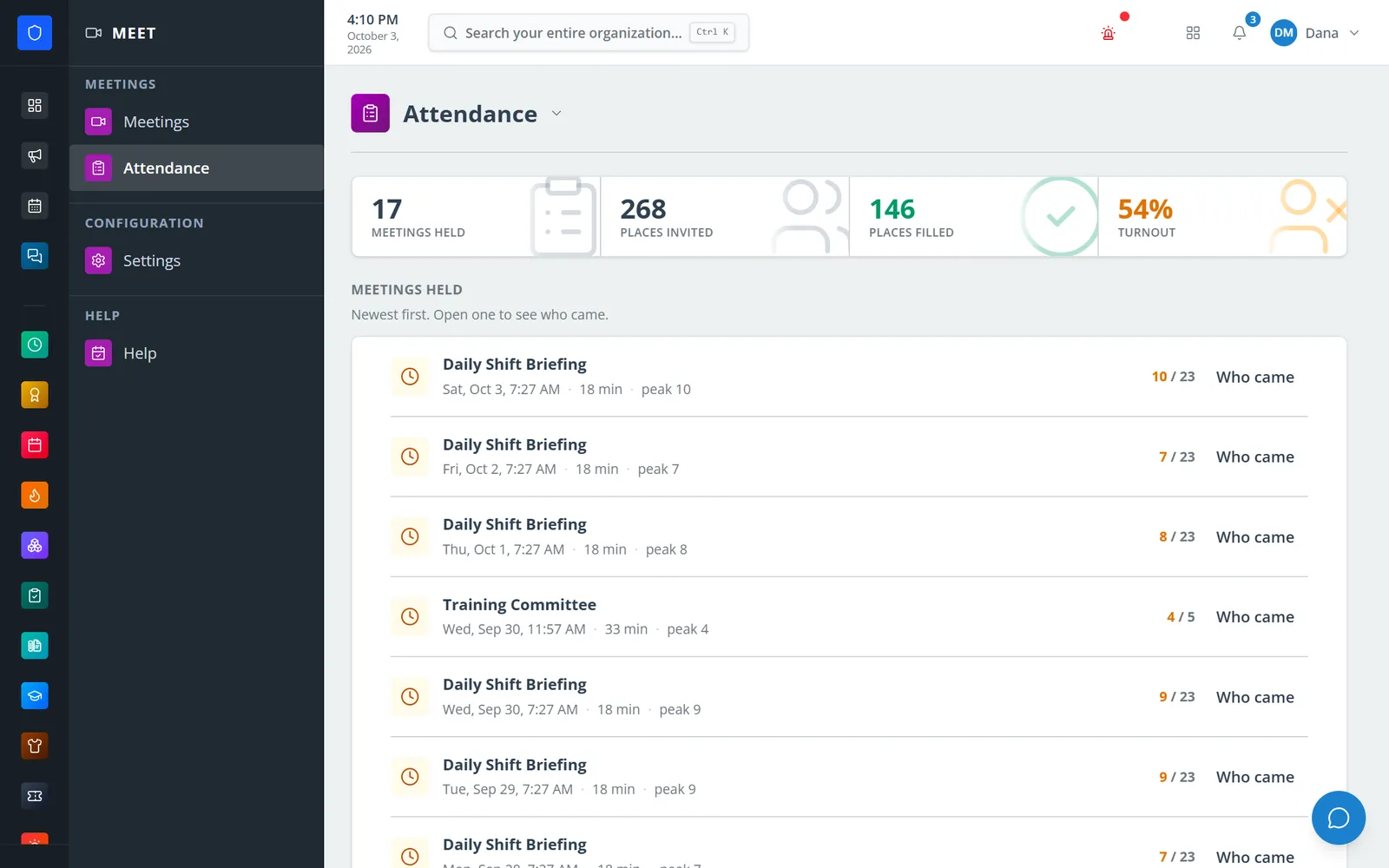
Meetings held, places filled, and turnout for the department.
Members see the meetings they are invited to and join from there.
One-off or repeating — daily, weekly, every two weeks, monthly, or “first Tuesday.”
Invitees get a reminder 15 minutes before by default, or at times you choose.
Check camera and mic, join, and let hosts run the lobby and controls.
Open the roster for any occurrence or export it to CSV.
Required or optional invitees, plus co-hosts.
Daily, weekly, monthly by date or weekday, with end rules. Each occurrence opens its own room.
Mute or stop cameras for one or all, lobby, lock, remove, and end for everyone.
For everyone or hosts only, plus device selection.
Chat, private messages, reactions, and raised hands.
On time, late, partial, and absent per occurrence, with turnout totals and CSV export.
Off by default; every guest waits in the lobby for approval.
Set meeting defaults, room size, and a join notice once, and override them per meeting.
Members keep one secure sign-in and one set of role permissions across every module you turn on.
No. Meet has no recording, transcription, or AI summaries.
Up to 16 by default. Departments can raise the limit, but peer-to-peer video works best with about eight cameras on.
Joining more than five minutes after the scheduled start counts as late. Staying for less than half the meeting counts as partial.
Tell us how you handle this work today. We’ll walk you through it in the full Station Clipboard portal.
Need something we don’t have yet? We build custom modules.